

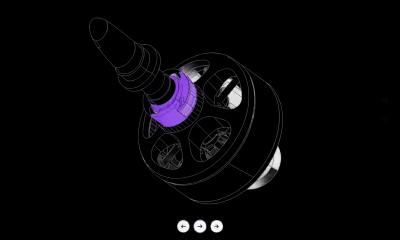

Lightning-fast conversion
Convert in seconds with our cloud-based engine. No waiting.
Easily convert your .step files to .iges format using our powerful online 3D CAD converter—no downloads or installations required.
Drag & drop your 3D files here to convert
or click to browse files
Supported formats: .step
Open your CAD file in the Marathon OS 3D viewer first to inspect geometry, check scale and confirm the model before converting it to another format.
Open CAD Viewer →HOW IT WORKS
No downloads. No plugins. Works right from your browser.
Drag & drop or browse to select your .step file
Choose IGES as your target CAD format
Download your converted IGES file in one click
Convert in seconds with our cloud-based engine. No waiting.
Works in your browser — no downloads or plugins needed.
Optimized for large and intricate CAD files up to 300 MB.
Encrypted uploads. Files automatically deleted after 24 hours.
Full file ownership stays with you. We never share your data.
Convert files anytime, anywhere — no restrictions.

Encrypted uploads + secure processing
Files are encrypted during upload and processed securely.
Automatic deletion after 24 hours
Uploads are automatically deleted after 24 hours.
File ownership stays with you
You retain full ownership of your files.
Standard for the Exchange of Product model data is an ISO standard (ISO 10303) used for representing product data in a neutral and portable format for computer-aided design (CAD) and manufacturing applications. It enables the exchange of 3D CAD models, assemblies, and related product data between different software systems.
Initial Graphics Exchange Specification is an early and widely used file format standard for the exchange of 2D and 3D CAD (Computer-Aided Design) data between different software applications. It was developed by the U.S. National Institute of Standards and Technology (NIST) in the 1980s to allow interoperability between different CAD systems.
Popular conversions.
For 3D printing and rapid prototyping
For cross-platform CAD exchange
For rendering and visualization
For modern CAD compatibility
For 3D printing from legacy files
For reverse engineering workflows
For CAD editing from mesh files
For additive manufacturing
For game engines and 3D rendering
Everything you need to design faster, smarter, and with more impact.
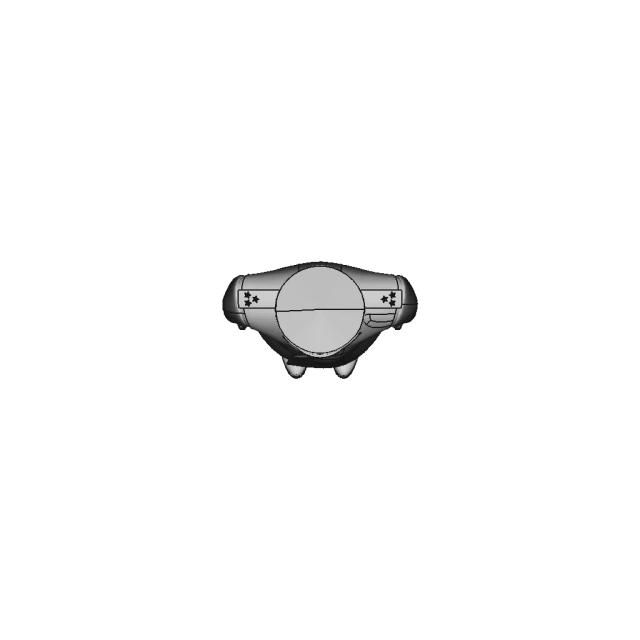
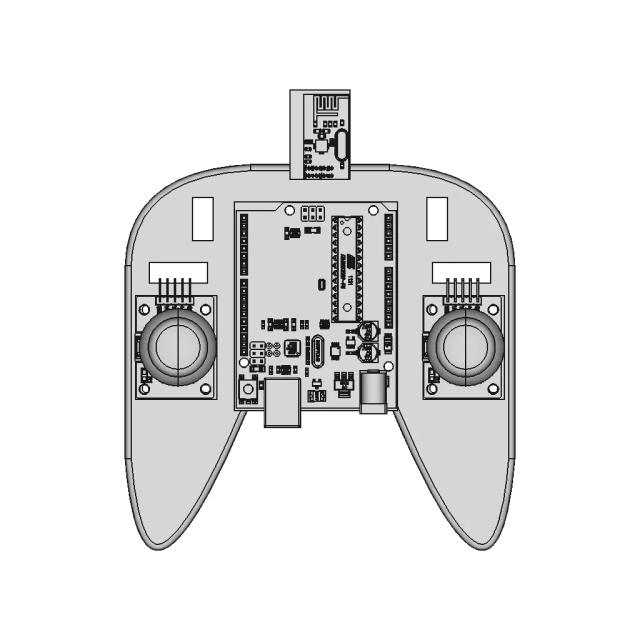


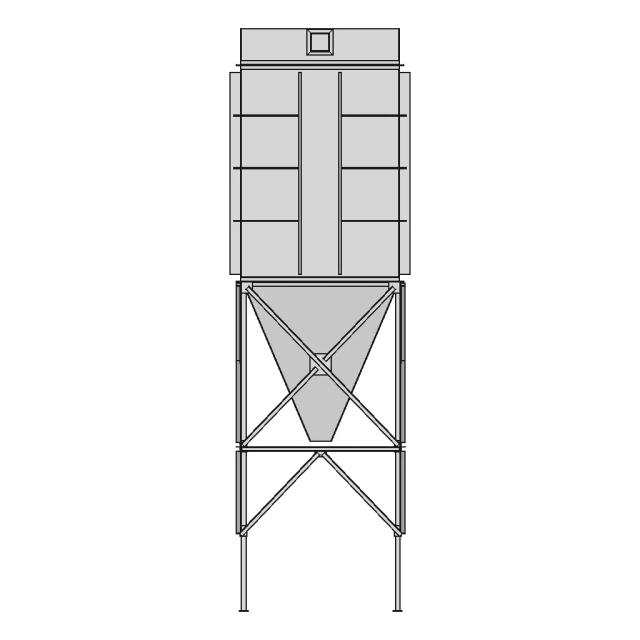

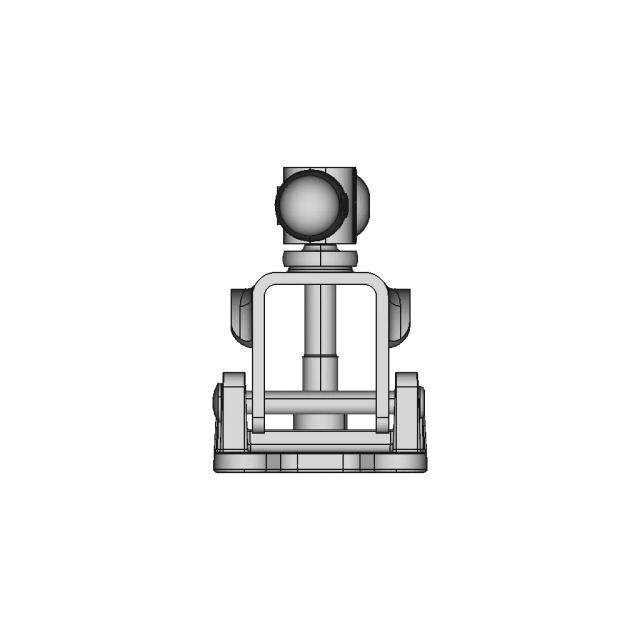
Find answers about converting files with Marathon OS step to iges converter.
Upload your STEP file (.step or .stp) to Marathon OS, choose IGES as the output format, and download the converted file in seconds — no software installation required.
Converting STEP to IGES helps share models with older CAD systems or suppliers that still require IGES exchange files.
This converter accepts .step or .stp input files and outputs .igs or .iges. Upload up to 300 MB per file.
Yes — converting STEP to IGES on Marathon OS is completely free with no usage limits or hidden costs.
Your files are encrypted during upload, processed securely in the cloud, and automatically deleted after 24 hours.
No — upload your STEP file and download IGES directly in your browser. No plugins or desktop CAD tools required.
Yes — Marathon OS is optimized for large and complex CAD models. You can upload files up to 300 MB for STEP to IGES conversion.
 The CAD marketplace for modern teams