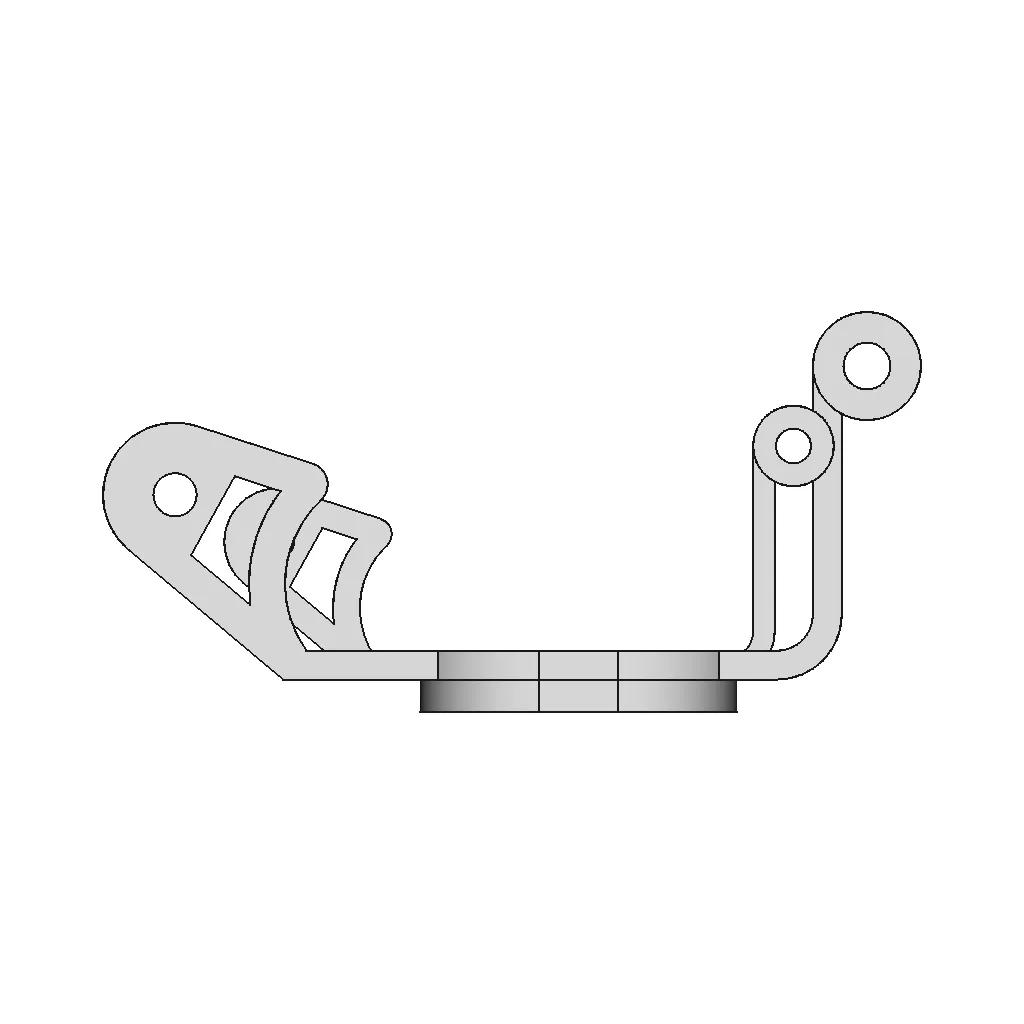
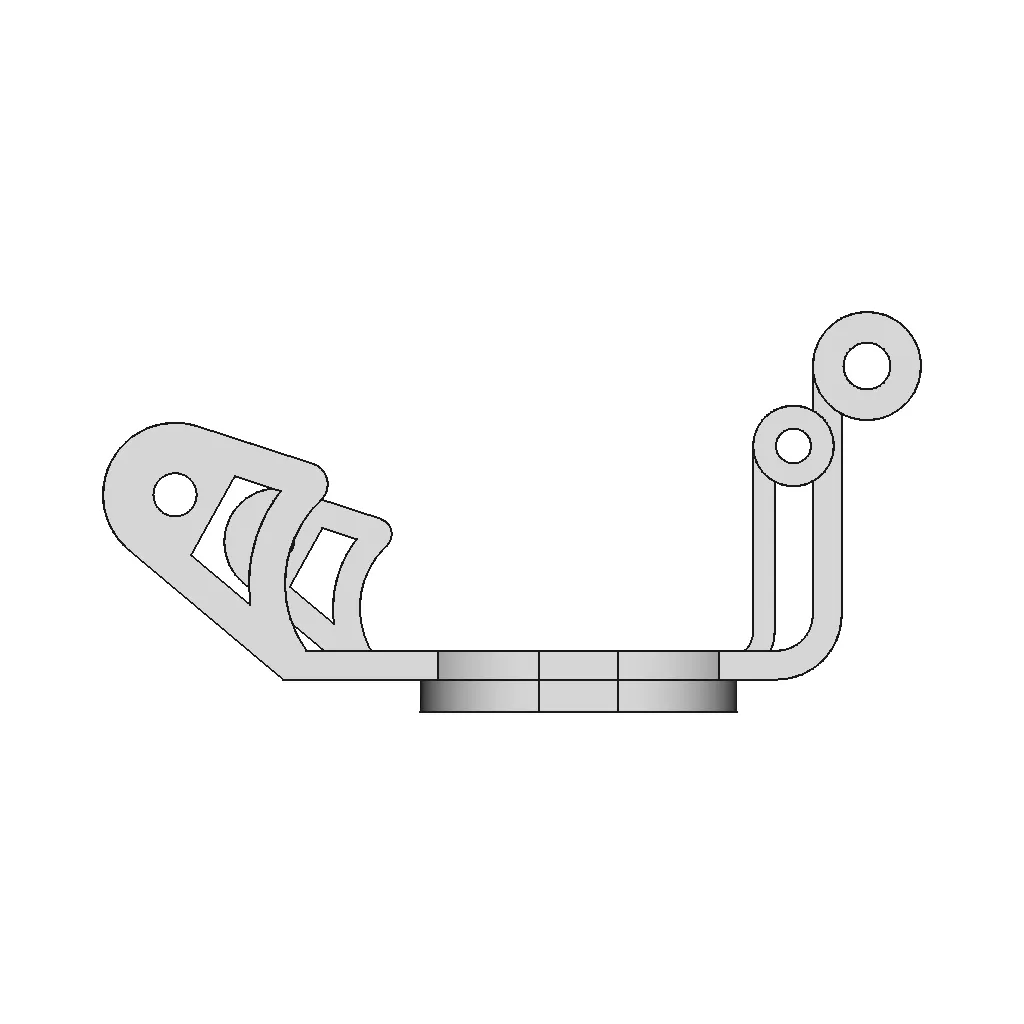
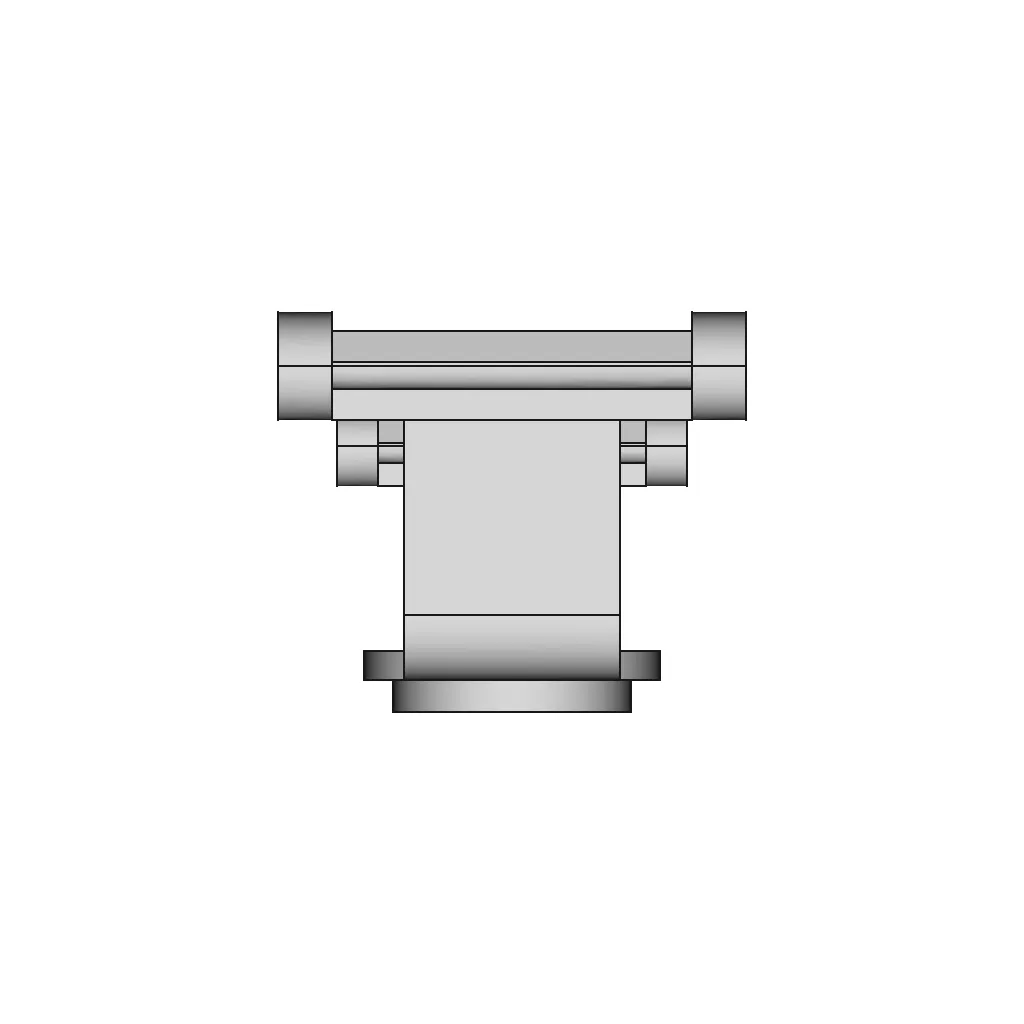
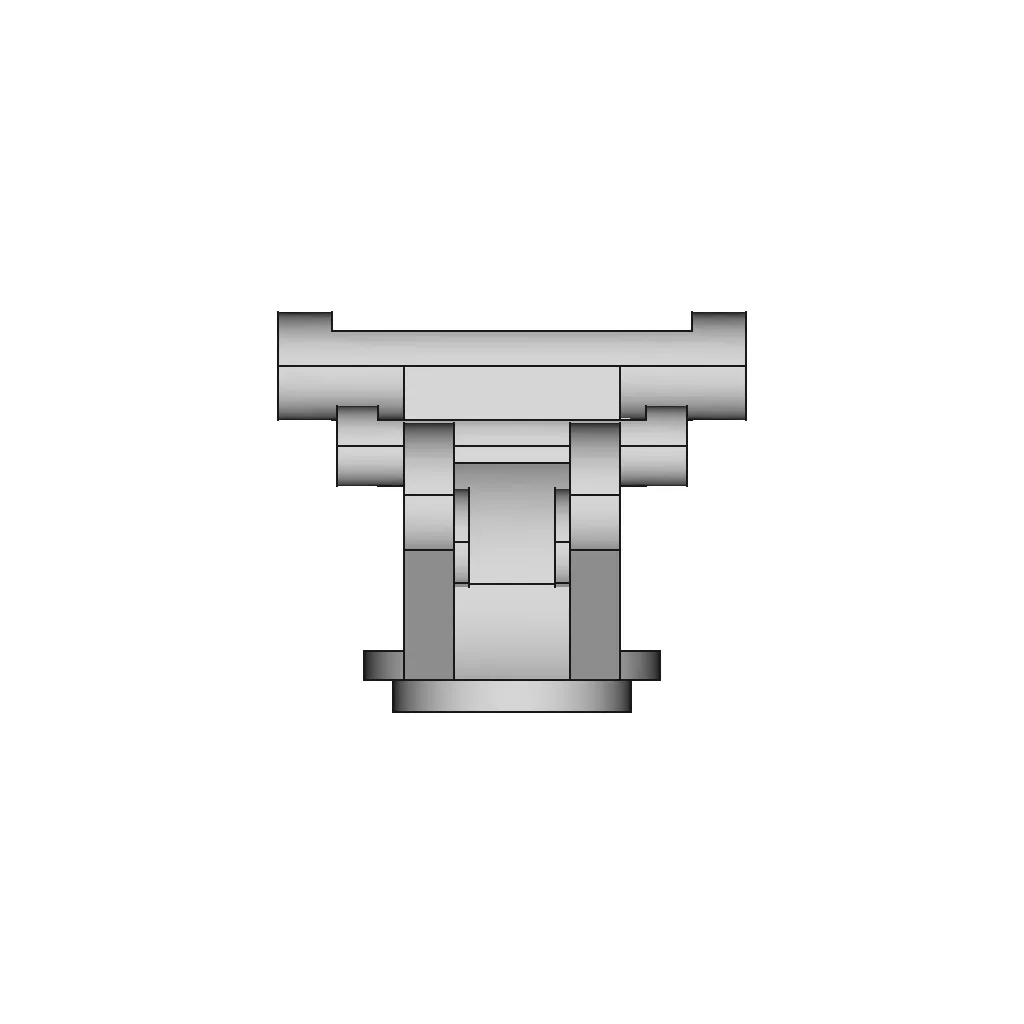
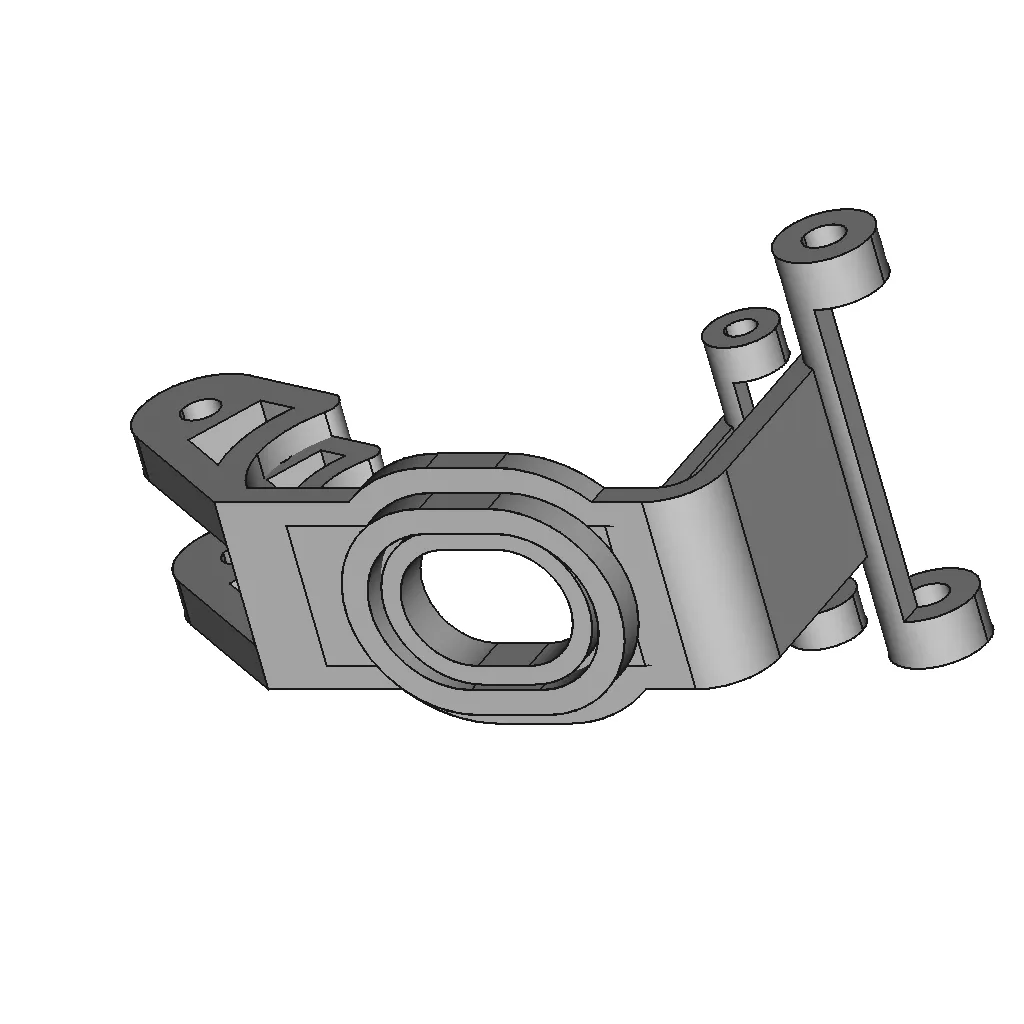
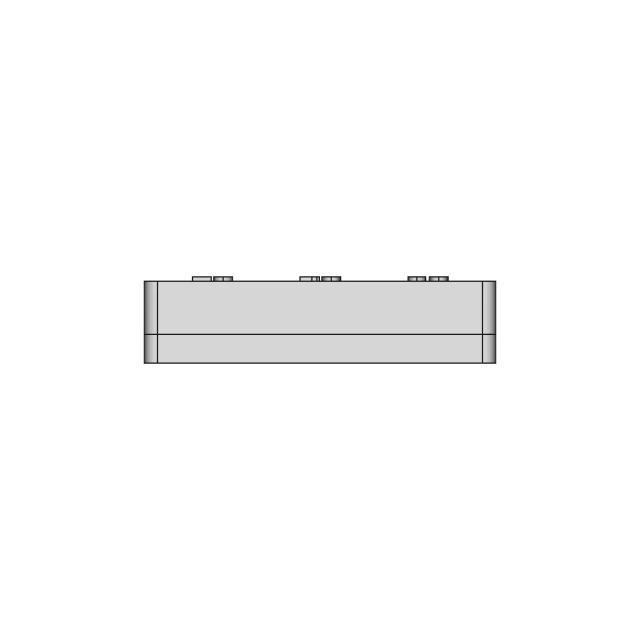
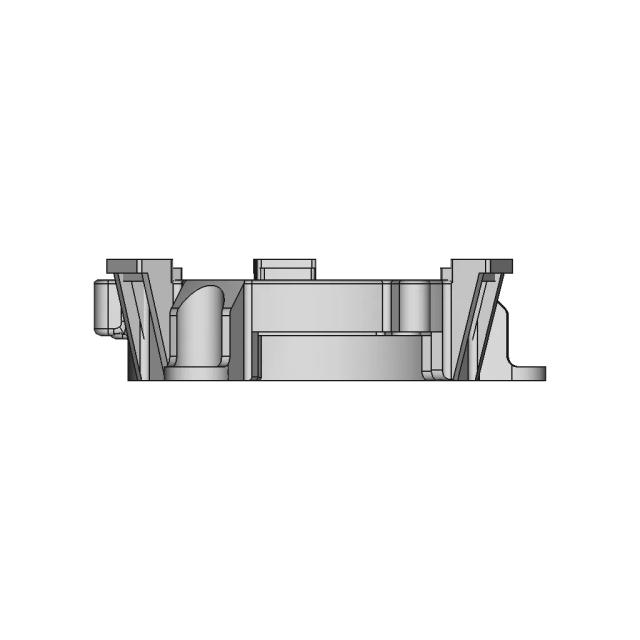
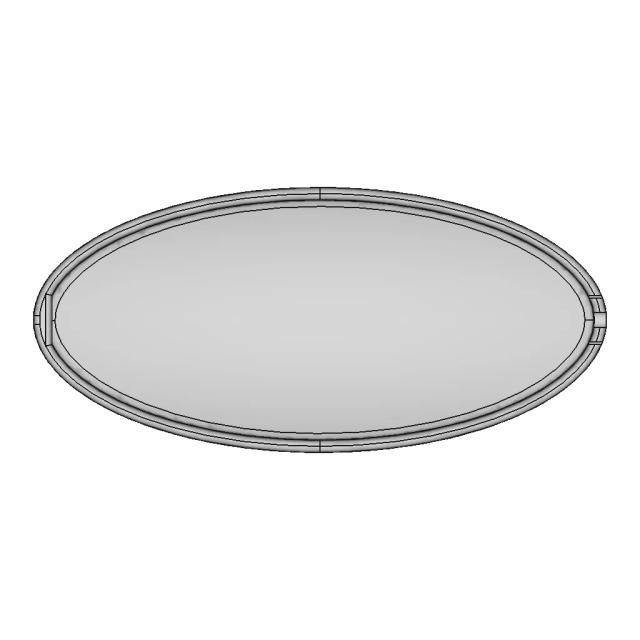
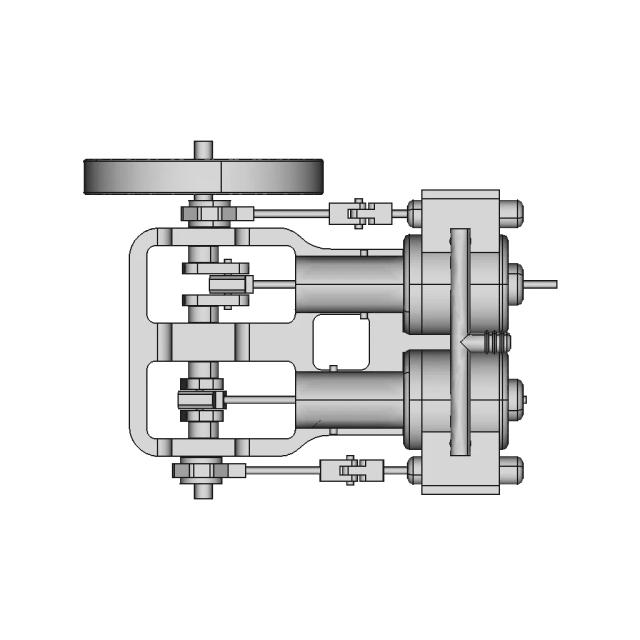
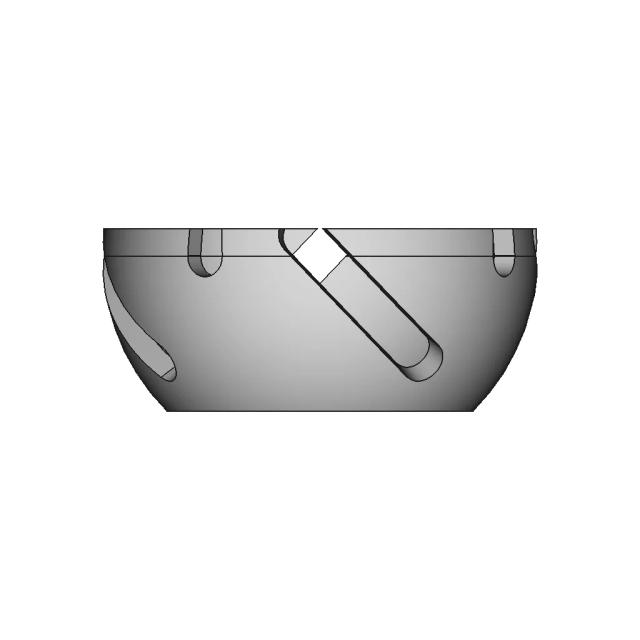
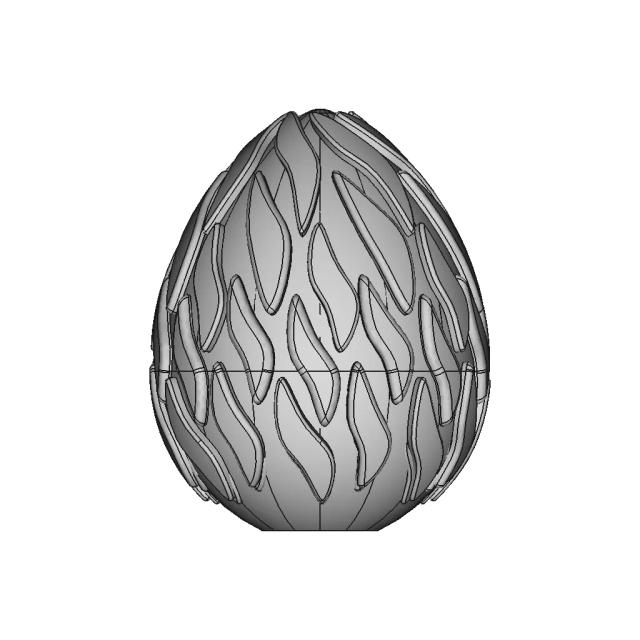
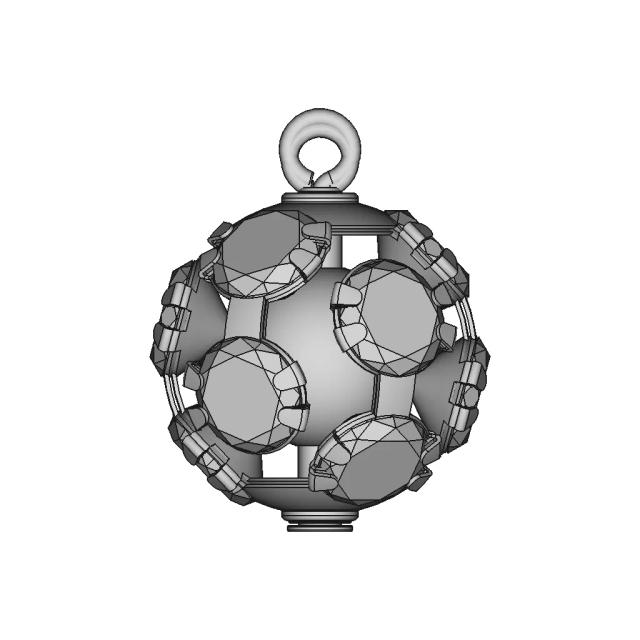
Solidworks Practice Exercises 31 - Downloadable CAD Representation

0.0(0 reviews)
Logo
sprite x=0 y=0
Angle x=0 y=0
Angle x=0 y=60
Angle x=0 y=120
Angle x=30 y=0
Angle x=330 y=0

About this design

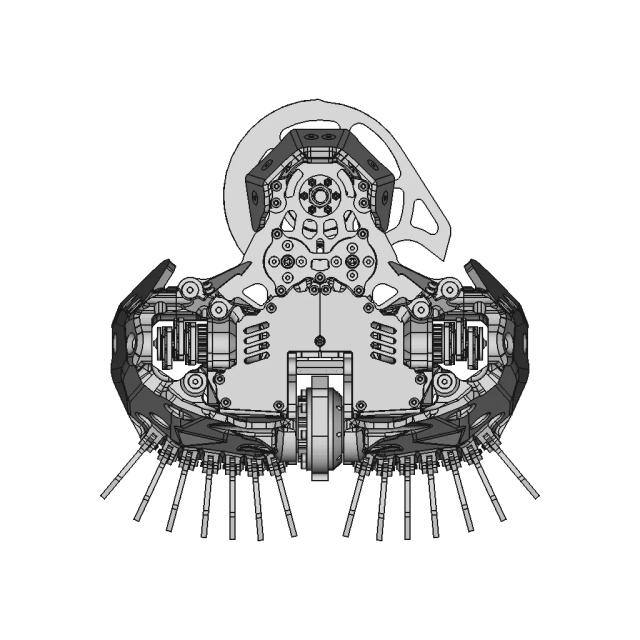
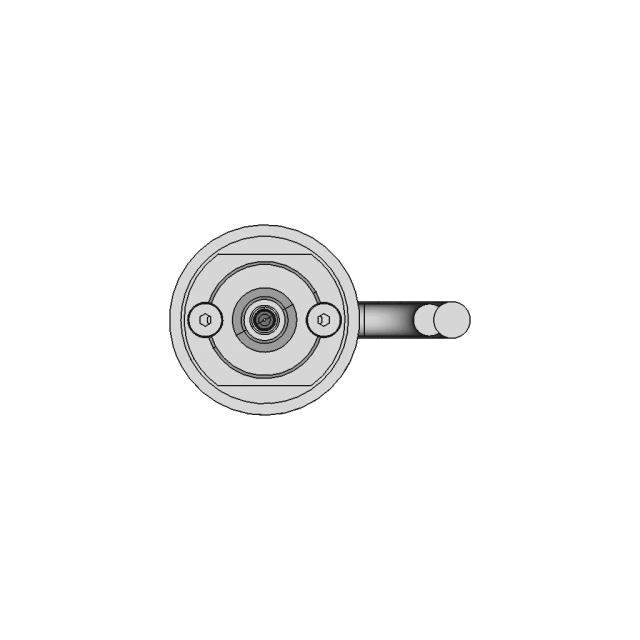
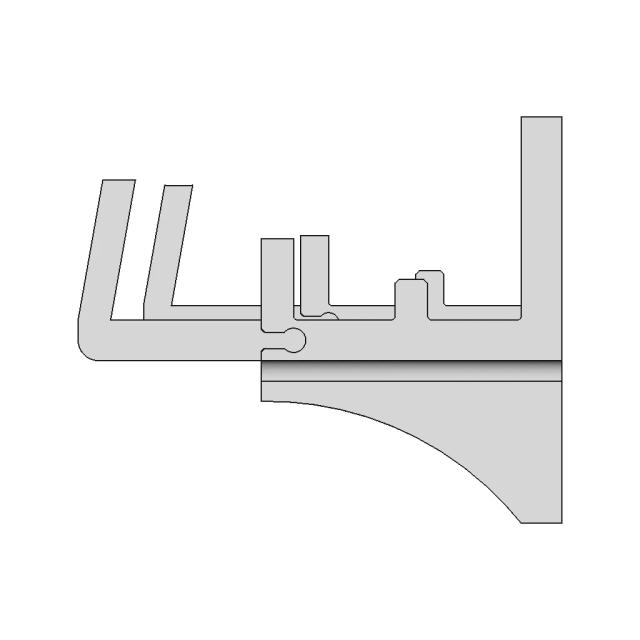
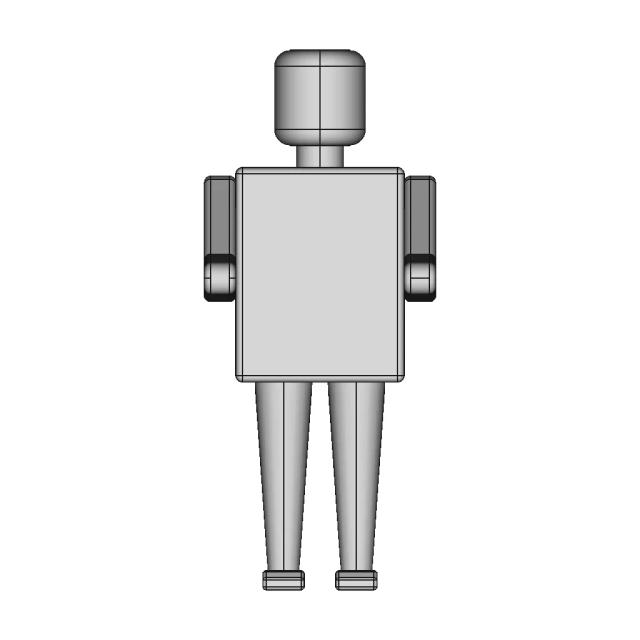
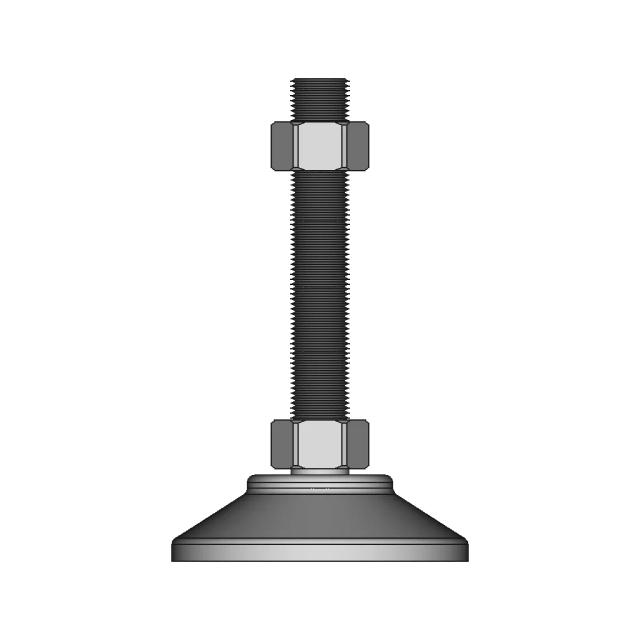
This 3D model of Solidworks Practice Exercises 31 is ideal for engineering assemblies, mechanical designs, and reference documentation.

Free

<100
<100

The files are shared to help you get inspired and speed up your workflow. They may not be fully accurate or production-ready, so review carefully before use.

View NameExtensionAction
Design filestep
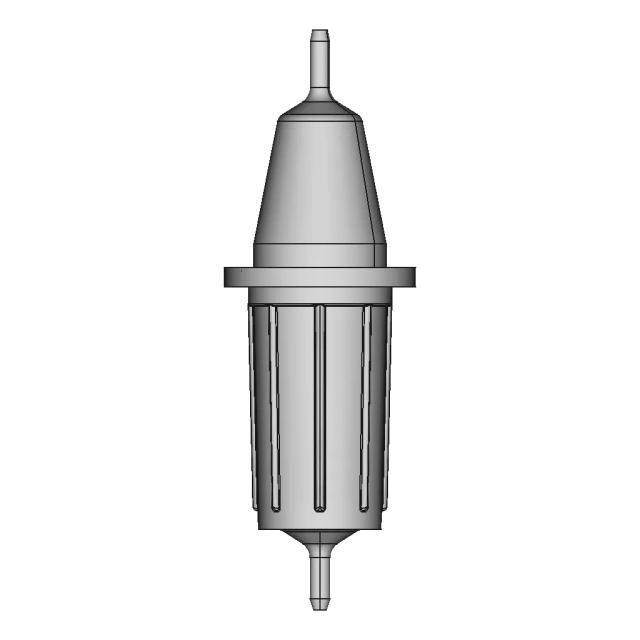
Front Viewwebp
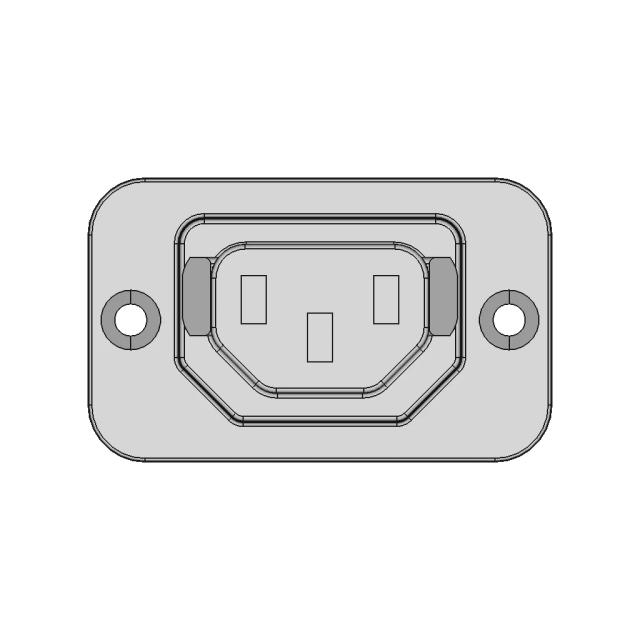
Top Viewwebp
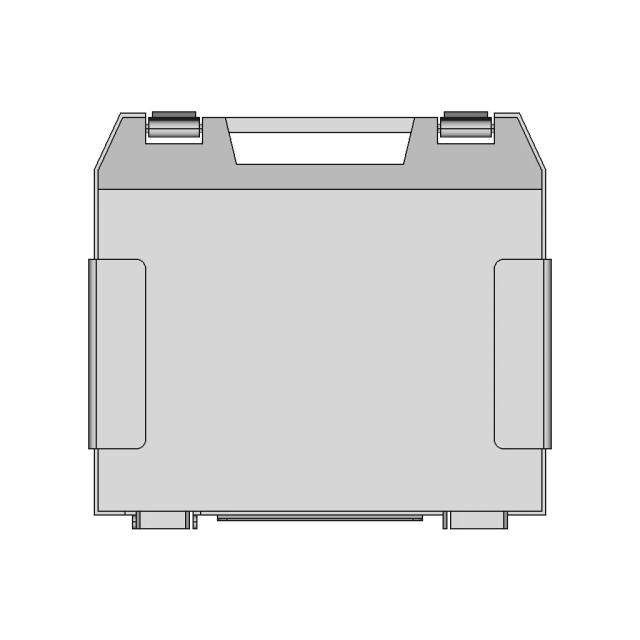
Bottom Viewwebp
Left Side Viewwebp
Right Side Viewwebp
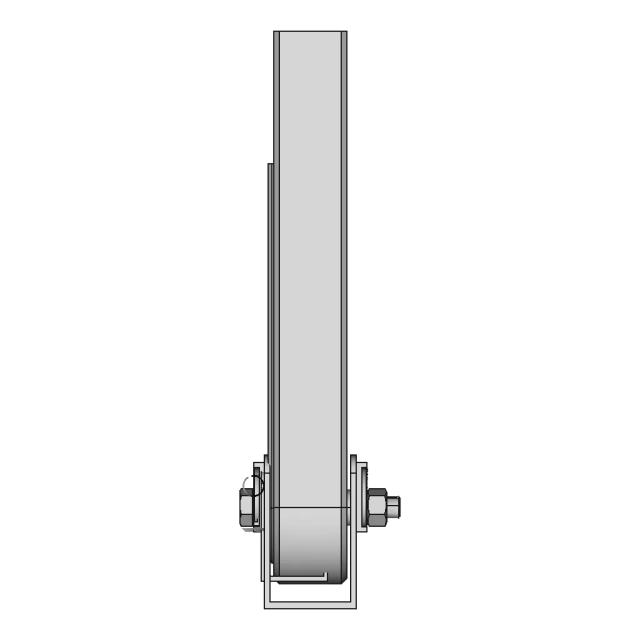
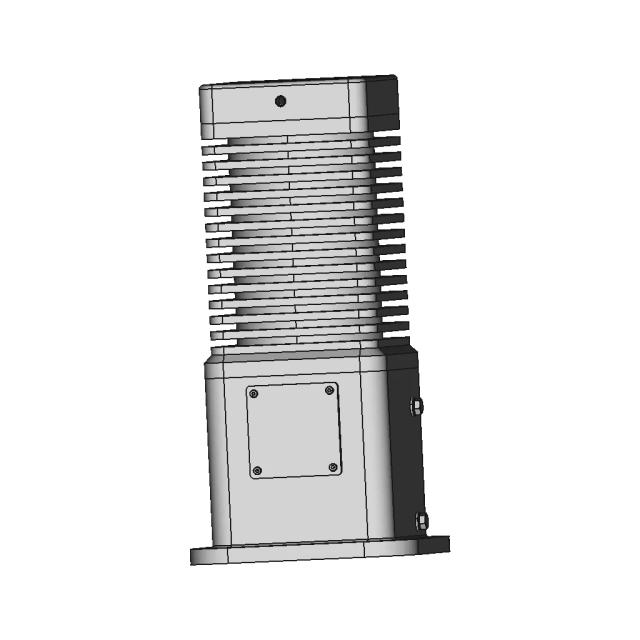
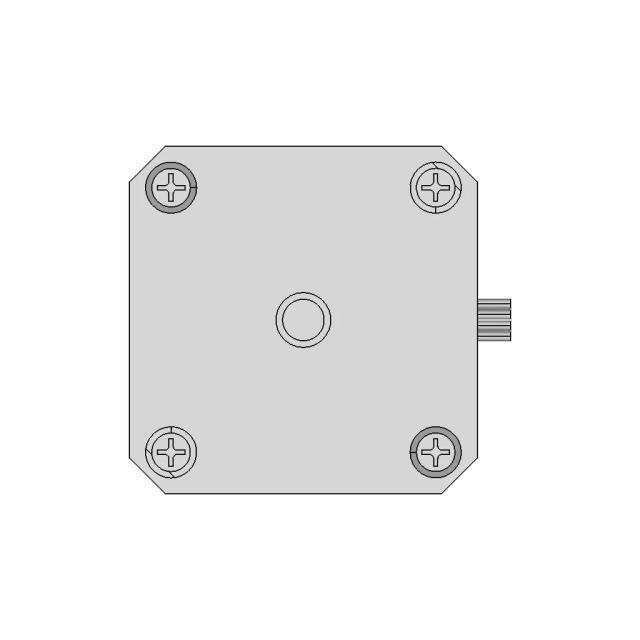
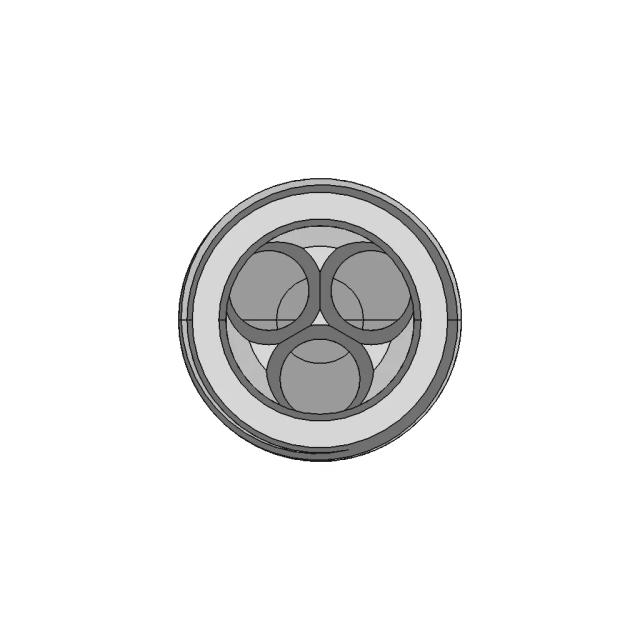
Isometric Viewwebp
Supporting Files (0)
File NameAction
No supporting files

About CAD

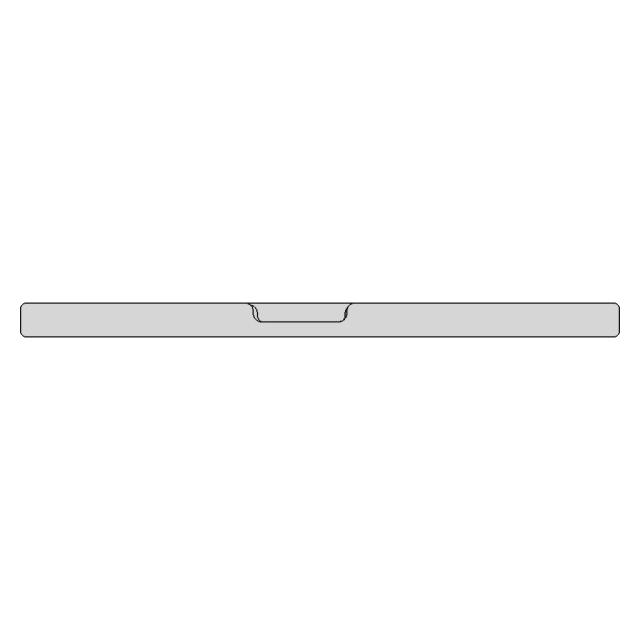
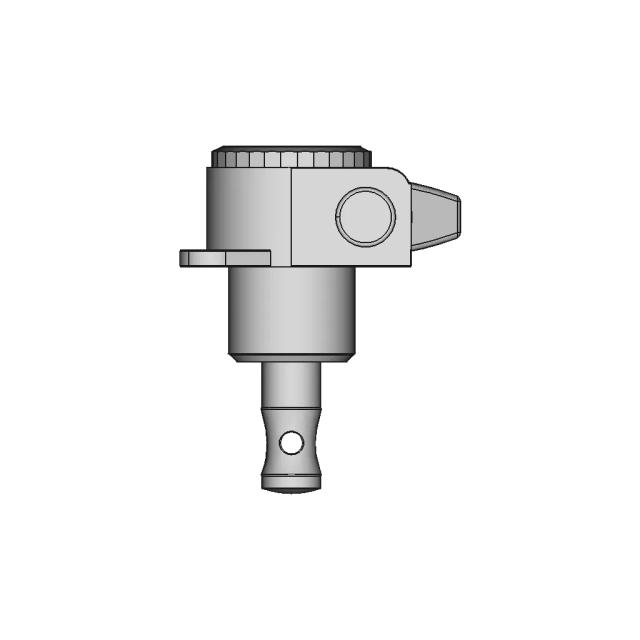
The CAD model comprises 59 faces, 1282 edges, 1282 vertices. Surface types include 59 other surfaces. Orientations: 25 along the X-axis, 10 along the Y-axis, 24 along the Z-axis. Model dimensions: 227.00 mm wide, 111.00 mm high, 130.00 mm deep

File Information
File Nameexercise rtyj.IGS
File TypeSTEP
Unitsmm
Geometry
Faces59
Edges1,282
Vertices1,282
Solids0
Surfaces
Planar0
Cylindrical0
Conical0
Spherical0
Toroidal0
Other59
Surface Orientations
X Axis25
Y Axis10
Z Axis24
Other0
Bounding Box
Width227.00 mm
Height111.00 mm
Depth130.00 mm

Comments

0
Y
Loading comments...

Marathon-OS Design Hub

Everything you need to design faster, smarter, and with more impact.

Use this if you want a clean linear history (best for teams).
Refactor this into a single reusable resolver  Or write a safe CREATE + UPDATE version
Refactor this into a single reusable resolver Or write a safe CREATE + UPDATE version
and whether you see any voice-only plans under
aerospace.png
Verify your email to finish Verify your email to finish Verify your email to finish
Group 1589220881 (1).png
Verify your email to finish signing up with Marathon-OS. Use the following verification code:
I’ll tell you exactly where the unaccepted file is coming from.
supporting_files supporting_files supporting_files
View all designs

Recently added / Trending

Everything you need to design faster, smarter, and with more impact.

Bobinadora | 3D Engineering Design File
Fan | 3D Engineering Design File
B747-8S - Downloadable CAD Representation
Polyswitch Smd 0603 | 3D Engineering Design File
simply dummy text of the printing and types.
Conector Hae 4Pine | High-Quality CAD Model
Nasa_Hypervelocity Expansion Tunnel - Standard Mechanical Component
3 Dof Robotic Arm - Standard Mechanical Component
Amsco 600 Sterilizer - Standard Mechanical Component
Project Shaktimaan 1 | CAD Model for Energy Systems
View all designs

Free Online CAD Viewer –Secure, Fast & Cloud-Based

A lightweight, online tool to convert 3D file formats—anytime, anywhere, without installing any software.

Drag & drop your 3D files

Supported formats: STEP (.step, .stp), IGES (.igs, .iges), STL (.stl), PLY (.ply), OFF (.off), BREP (.brp, .brep)

upload
Don't have a file? Try one of these samples:


CAD Viewer featureOpen CAD files instantly in your browser.
CAD Viewer featureNo software needed.
CAD Viewer featurePrivate uploads.
CAD Viewer featureAutomatically deleted after 24hrs.
CAD Viewer featureUpload files up to 300 MB

Need a file that doesn't exist in the library?

Describe your requirement and we'll match you with a vetted CAD expert. SolidWorks, AutoCAD, Revit, Fusion 360 and 15+ tools supported.