

Reverse Engineered Trunk Light for Toyota Hilux





About this design
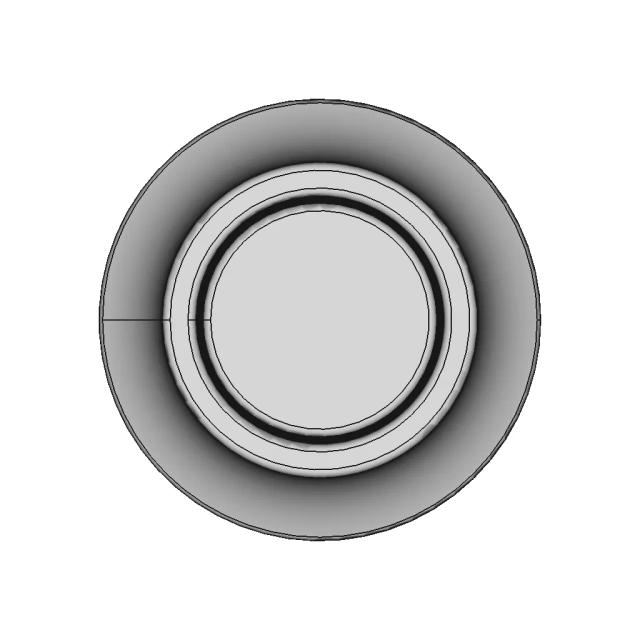
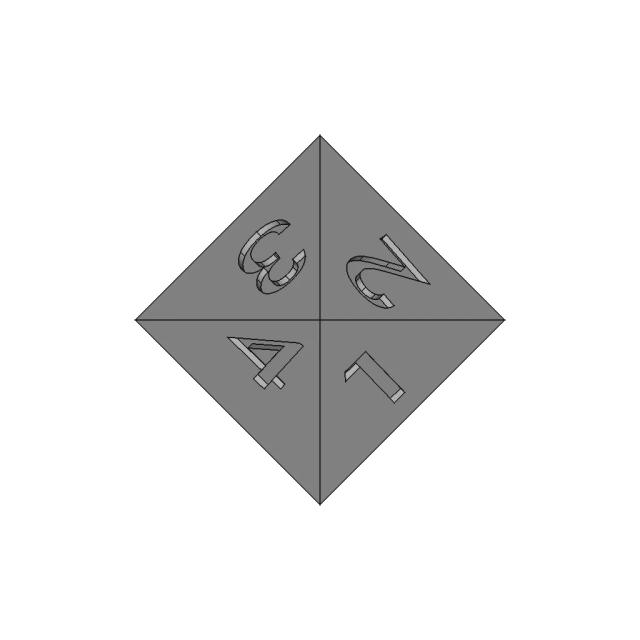
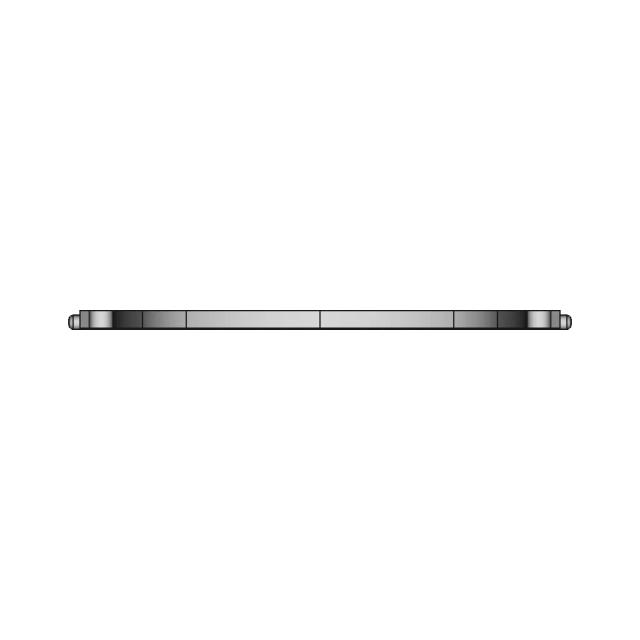
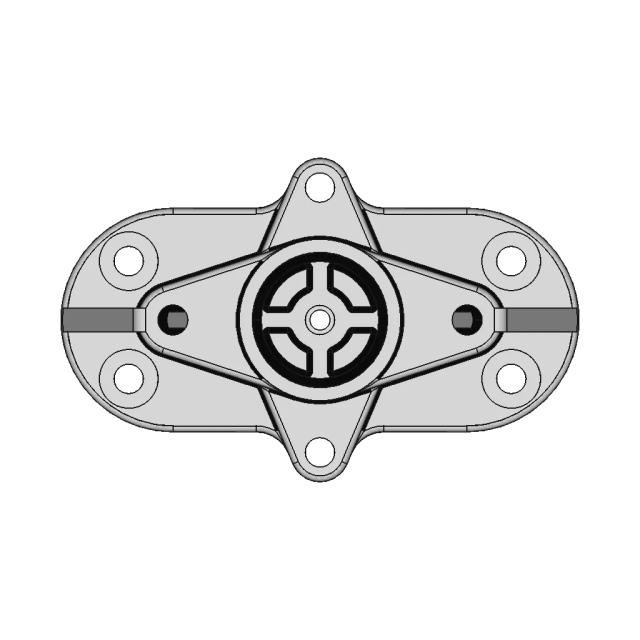
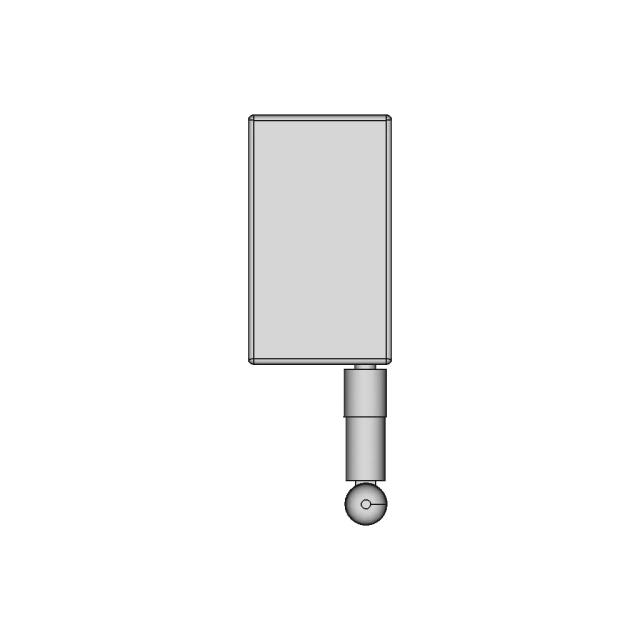
Detailed 3D model of a trunk light for Toyota Hilux, created through reverse engineering from a scanned part. Ideal for automotive design and replacement part projects.
Free
The files are shared to help you get inspired and speed up your workflow. They may not be fully accurate or production-ready, so review carefully before use.
| View Name | Extension | Action |
|---|---|---|
| Design file | Format: STEP | |
| Front View | webp | |
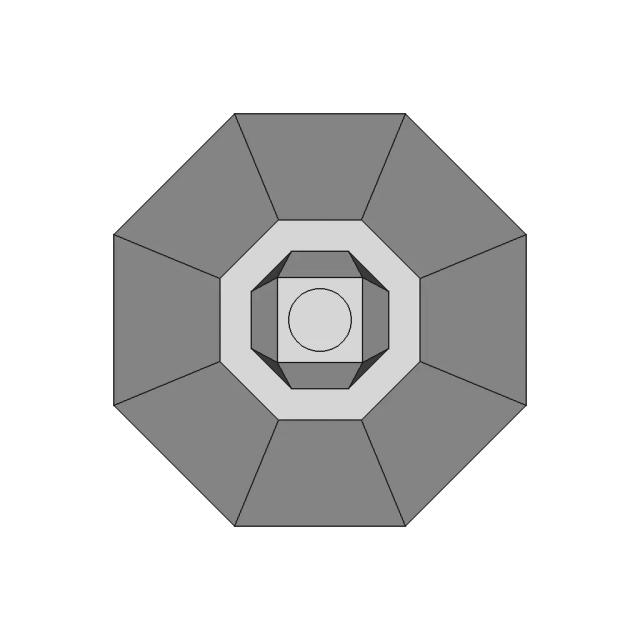
| Top View | webp | |
| Bottom View | webp | |
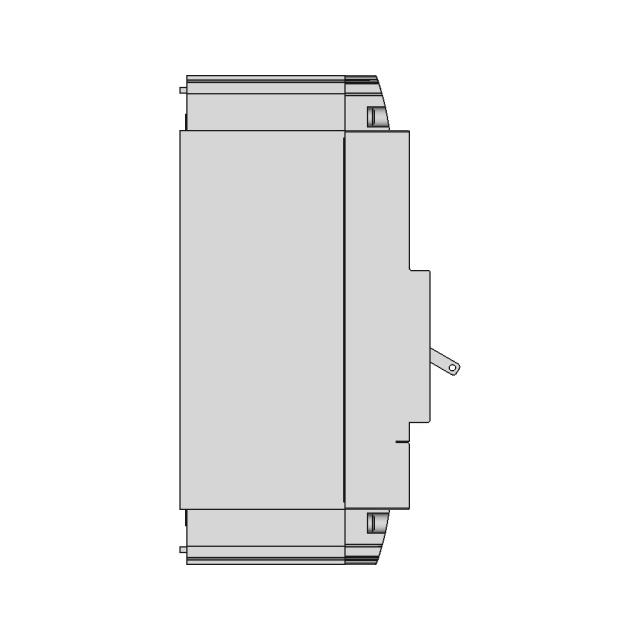
| Left Side View | webp | |
| Right Side View | webp | |
| Isometric View | webp |
| File Name | Action |
|---|---|
| No supporting files | |
CAD File Details
What you can use this CAD model for
- Engineering review
- Manufacturing discussion
- Supplier communication
- Prototype development
- Design validation
Before using this CAD file
Review the model dimensions, units and geometry before using it for manufacturing or production. Some files may be created for reference, visualization or workflow acceleration and may require validation before final use.
Marathon-OS Design Hub
Everything you need to design faster, smarter, and with more impact.





Recently added / Trending
Everything you need to design faster, smarter, and with more impact.


Free Online CAD Viewer –Secure, Fast & Cloud-Based
A lightweight, online tool to convert 3D file formats—anytime, anywhere, without installing any software.
Drag & drop your 3D files
Supported formats: STEP (.step, .stp), IGES (.igs, .iges), STL (.stl), PLY (.ply), OFF (.off), BREP (.brp, .brep)

 Open CAD files instantly in your browser.No software needed.Private uploads.Automatically deleted after 24hrs.Upload files up to 300 MB
 The CAD marketplace for modern teams
Comments
0