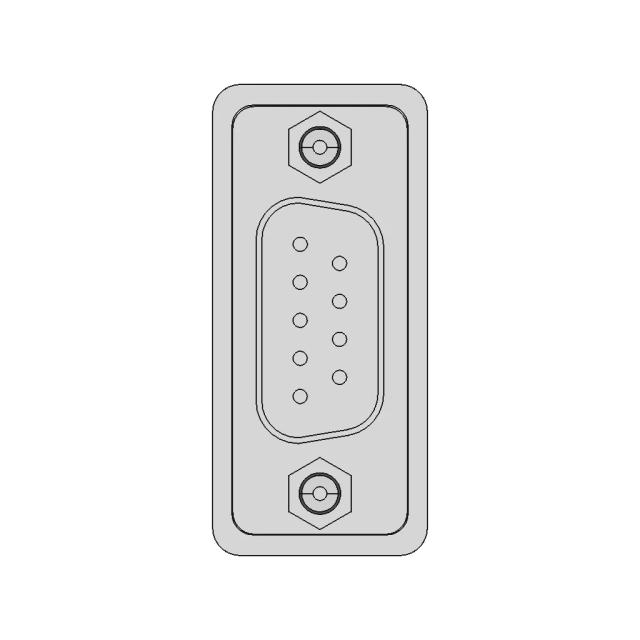
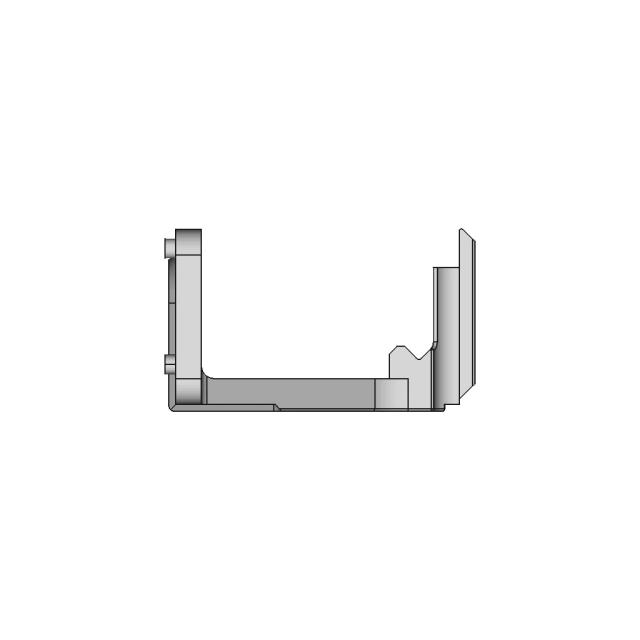
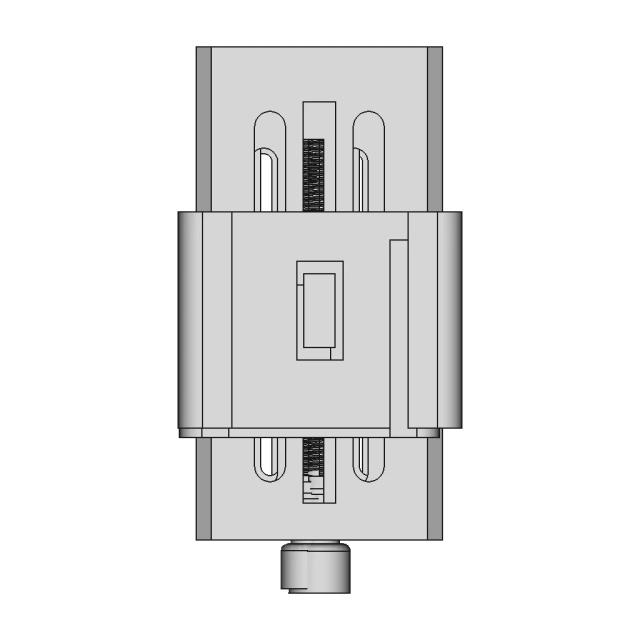
Hiring a SolidWorks designer online means submitting your brief to a service that matches you with a qualified SolidWorks modeler or drafter. The best services deliver native files plus exports for suppliers and stakeholders, with clear timelines and revision rounds.
What does a SolidWorks designer do?
A SolidWorks designer creates accurate 3D models and/or 2D drawings in SolidWorks, producing files that can go directly into manufacturing, prototyping, documentation, or stakeholder review. The key is deliverables: clean feature history, correct dimensions, and exports your suppliers can use.
When should you hire a SolidWorks designer?
You should hire a SolidWorks designer when you need work delivered in SolidWorks specifically—either because your team uses it downstream or because your vendor requires it.
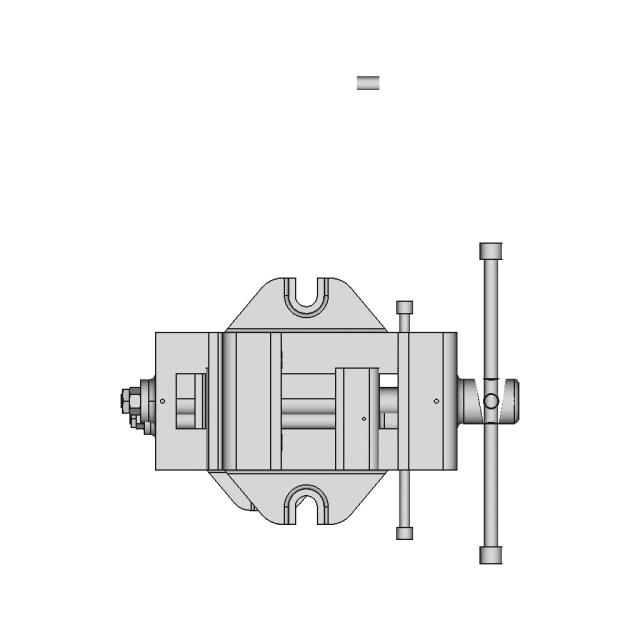
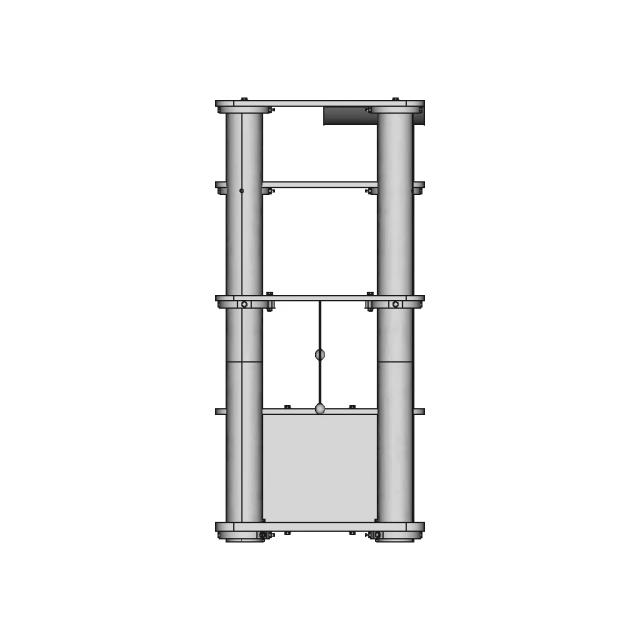
Parts + assemblies
Build clean parts/assemblies ready for manufacturing handoff.
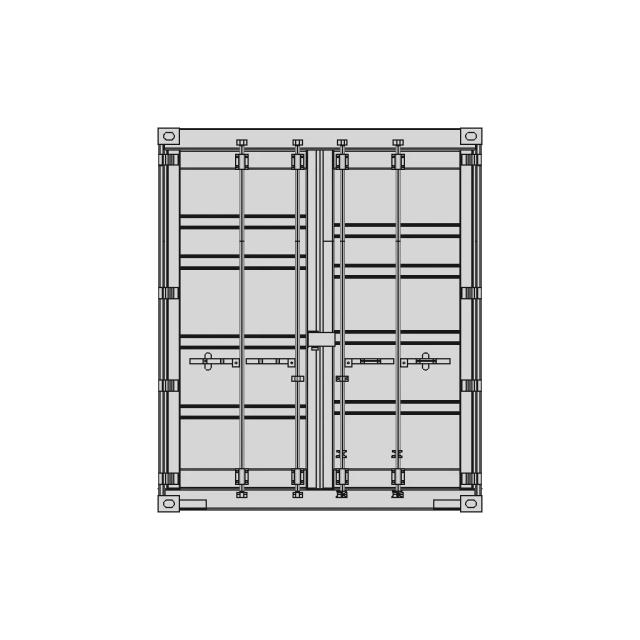
2D drawings
SLDDRW drawings with dimensions, tolerances, and notes.
Revisions
Modify existing SolidWorks files for v2 or new constraints.
Supplier handoff
Export STEP/IGES for quotes and production.
Prototype prep
Generate STL for printing and fit checks.
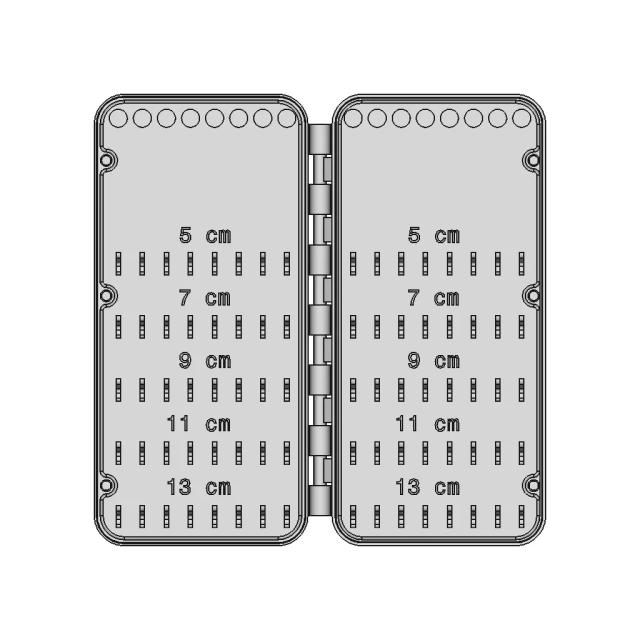
Tooling + fixtures
Design jigs, fixtures, brackets, and mounts.
What to look for in a SolidWorks design service
Proven tool proficiency
Look for experience with real production deliverables—not just concept modeling.
Deliverable formats
Confirm you’ll receive native files (SLDPRT, SLDASM, SLDDRW) plus exports (STEP, IGES, DWG, DXF, STL).
Modeling standards
Ask for clean naming, assemblies, and documentation practices.
Timeline + revisions
Confirm turnaround and included revision rounds.
IP + confidentiality
Ensure you own the output and NDA coverage is available.
Freelancer vs. tool-specific service
| Criteria | Freelancer | SolidWorks Service (Marathon OS) |
|---|---|---|
| Vetting | Self-managed | Vetted SolidWorks designers |
| Start time | Search + messages | Submit brief in minutes |
| Deliverables | Varies | SLDPRT/SLDASM/SLDDRW + exports |
| Revisions | Variable | Defined revision rounds |
| IP/NDA | You negotiate | Included |
How to write a SolidWorks brief
Include: what it is, critical dimensions, how it interfaces with other parts, material/process assumptions, and the exact outputs you need (native + exports). Attach sketches, reference photos, or legacy files if available.
How Marathon OS CAD Services works
Describe your project
Submit your brief, upload references, and specify required formats and deadline.
Get matched with a vetted designer
We assign a pre-qualified designer experienced in your tool and project type.
Receive production-ready files
You receive native CAD + export formats. Revisions are included.
What projects fit this service?
Frequently Asked Questions
Do you deliver native SolidWorks files?
Yes—native SolidWorks files plus exports as needed.
Can you work from a sketch?
Yes—sketches/photos + dimensions are enough to begin.
Do you provide drawings?
Yes—dimensioned drawings can be included when required.
How fast is delivery?
Standard parts and drawings are typically fast; complex assemblies take longer.
Will I own the SolidWorks files?
Yes—deliverables belong to you; NDA coverage included.
Can you update my existing files?
Yes—send the current files and describe the changes.