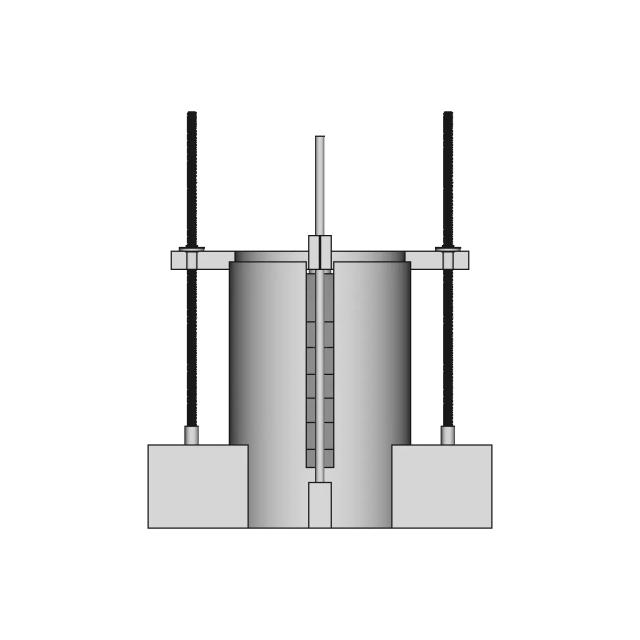
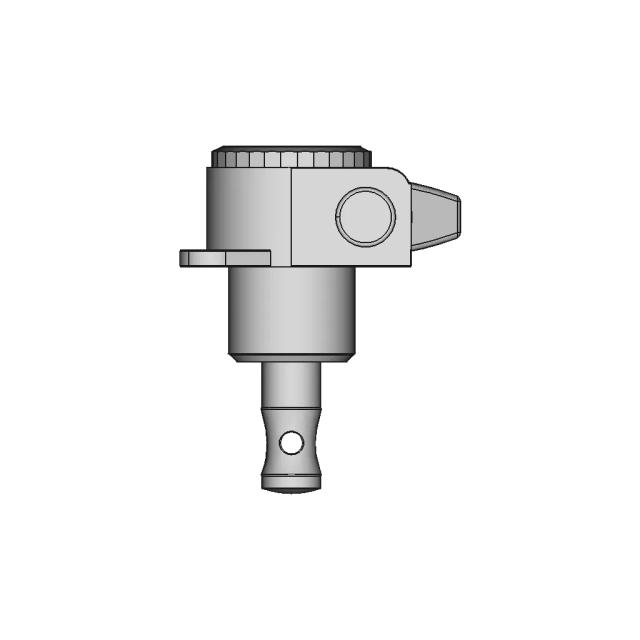
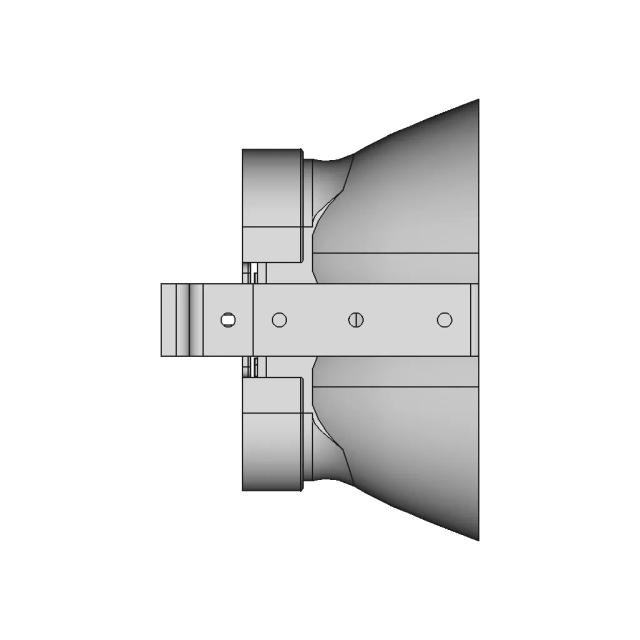
Assembly - Front View
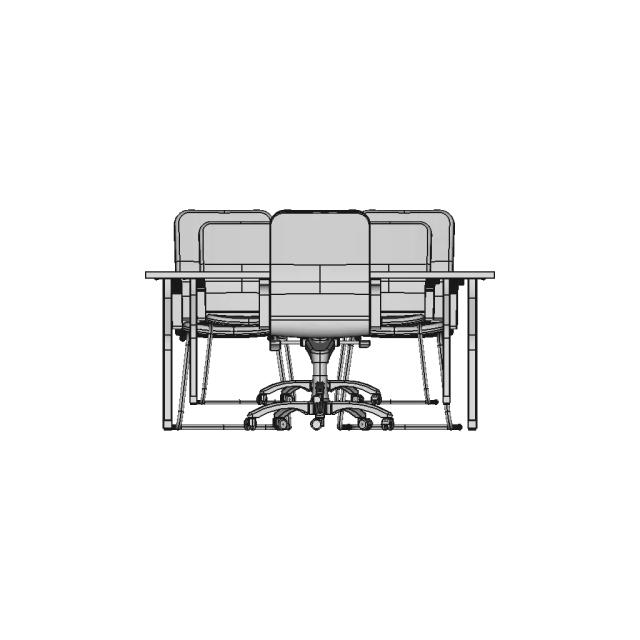
OrthographicThe Front view clearly shows the overall height and the central hub with the keyway, which is critical for mounting.
AI Drawing Analysis
The cards below explain how the generated drawing outputs and assets connect to the final technical sheets.
The Front view clearly shows the overall height and the central hub with the keyway, which is critical for mounting.
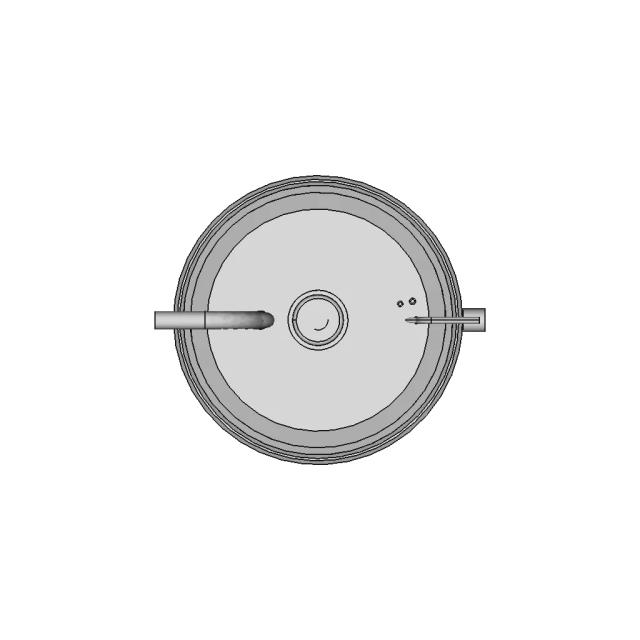
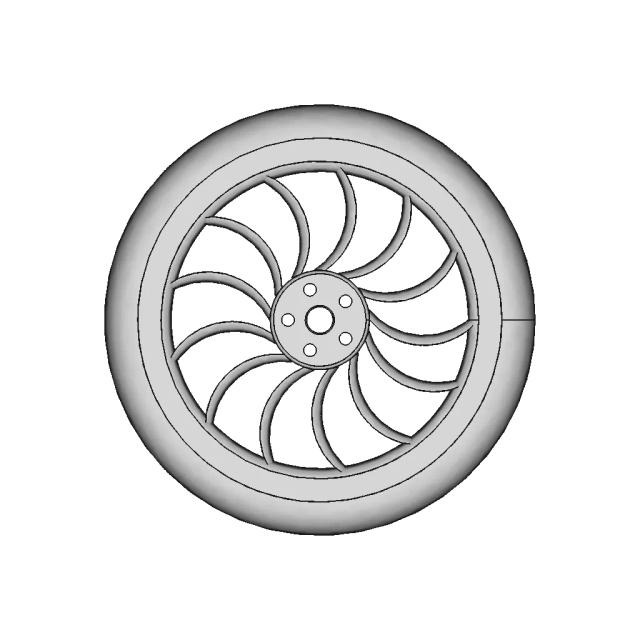
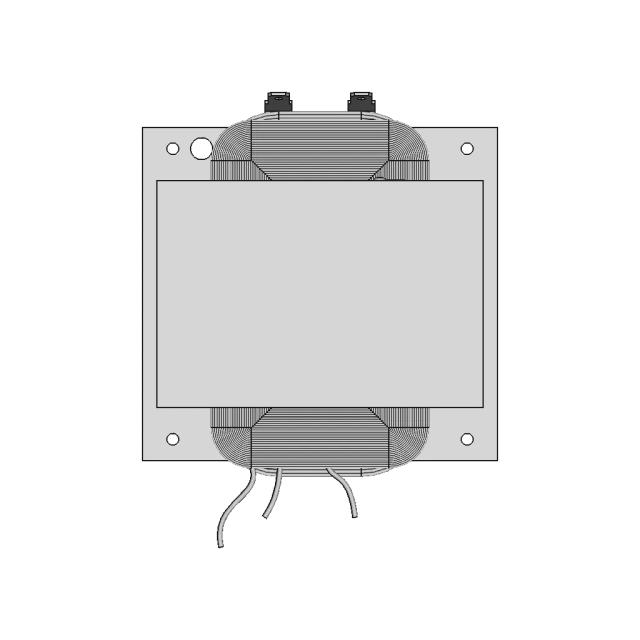
The Top view reveals the circular outer diameter and the three-spoke design, providing essential information about the wheel's profile.
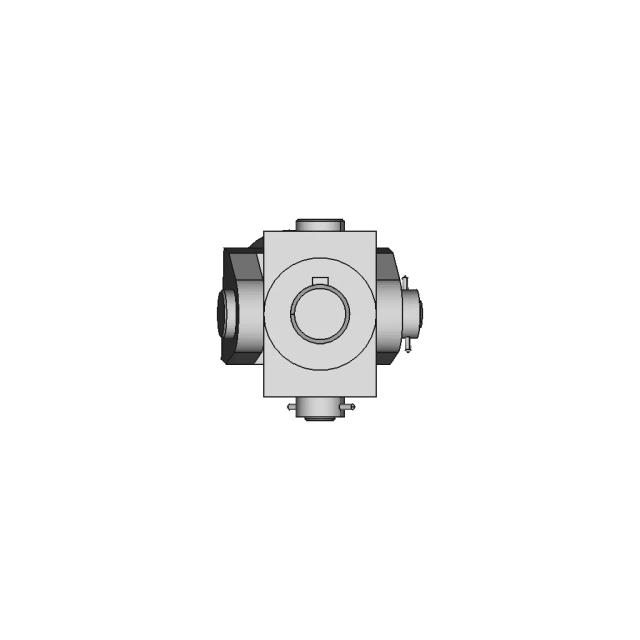
The section reveals the internal wall thickness and the central bore, which are not visible in the external views.
The section reveals the internal wall thickness and the central bore, which are not visible in the external views.
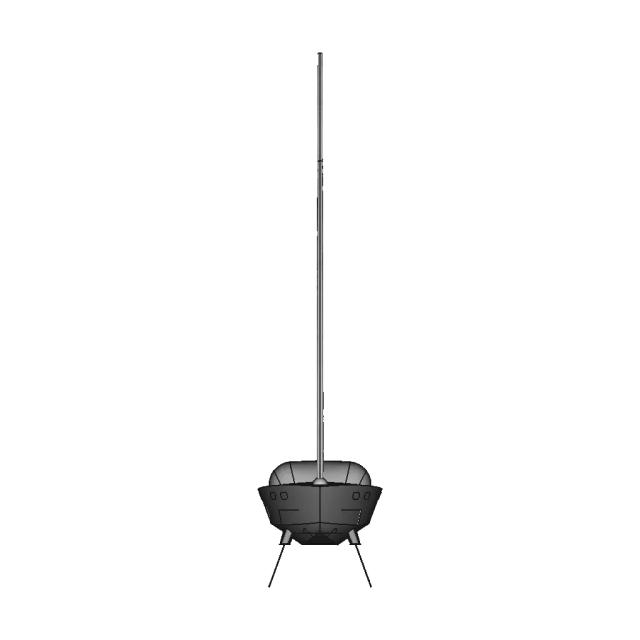
The detail view magnifies the keyway in the central hub, which is crucial for proper alignment and torque transmission.
Downloads
Each sheet available in PDF, SVG, and DXF. Click a format badge to download.
AI Transparency
These drawings were generated from the source 3D CAD geometry. The system analysed the model, selected relevant views, planned section cuts and generated drawing sheets in PDF, SVG and DXF formats.
These are 2D engineering drawings, not 3D files. Dimensions are extracted from the 3D geometry and should be verified against the source model before use in manufacturing.
Run Metadata
Explore Marathon OS
Jump to the source 3D model, generate your own drawings, or browse tools and libraries.
Open the original 3D CAD model used to generate this 2D drawing set. Review the source geometry before downloading or using the technical drawings.
Open 3D CAD model → The CAD marketplace for modern teams
Everything you need to design faster, smarter, and with more impact.


Everything you need to design faster, smarter, and with more impact.